Product demo
See how Luter works in practice.
Explore the real product through a short walkthrough, real screenshots, and a guided view of Luter's core workflows.
No account is required to view this demo.
Watch the product walkthrough
See how Luter brings tasks, inbox, planning, follow-ups, analytics, and day-to-day execution into one connected workspace.
From incoming work to focused execution
Luter is designed to help you move from scattered inputs to clear action.
Most work starts somewhere else — an email, a meeting, a follow-up, a task request. Luter brings those signals into one system so you can decide what matters, plan the work, and keep execution moving.
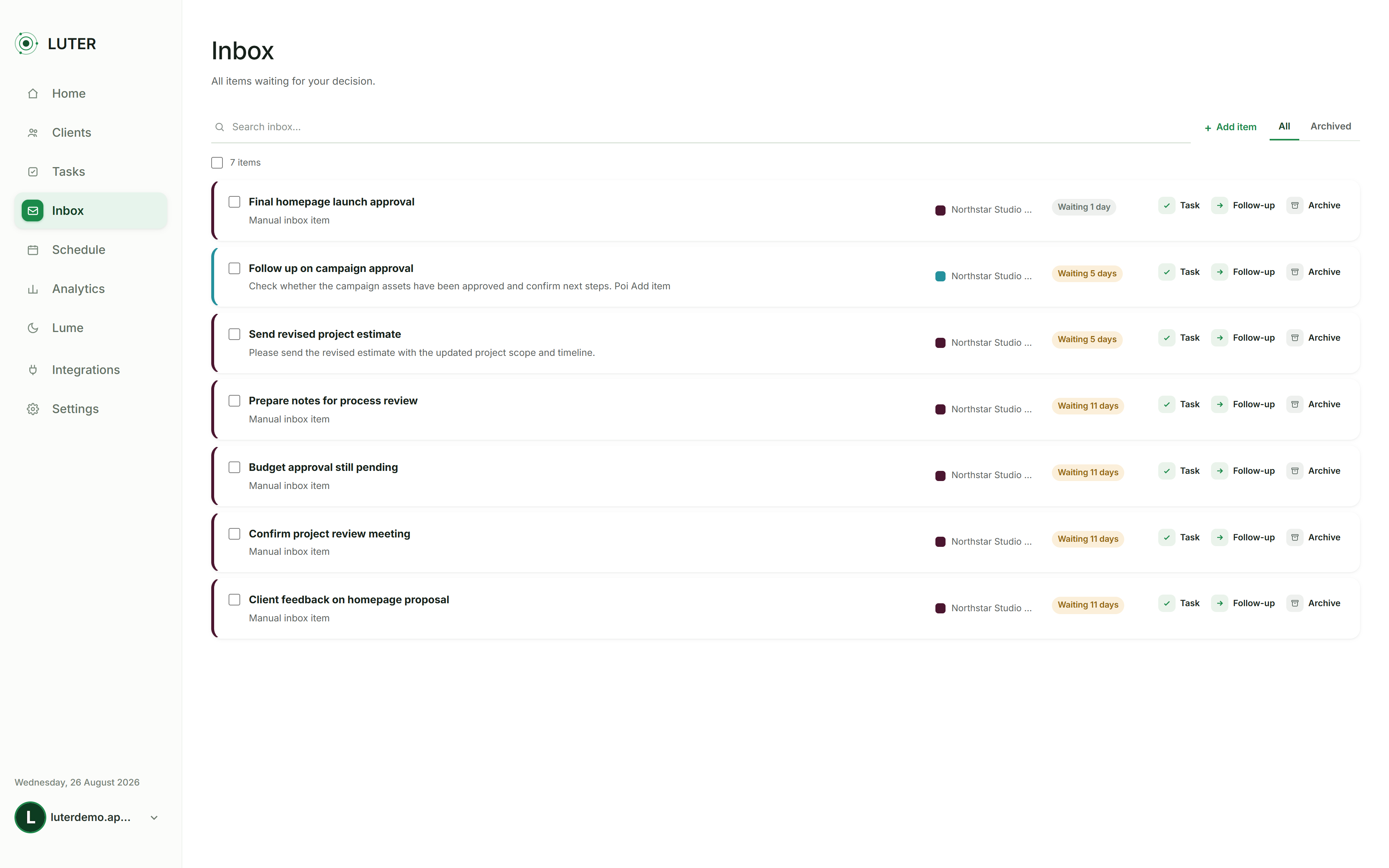
Plan the day around what matters
Turn tasks, deadlines, follow-ups, and available time into a practical daily plan.
Luter's planning tools help surface priorities and build a realistic view of what should happen next.
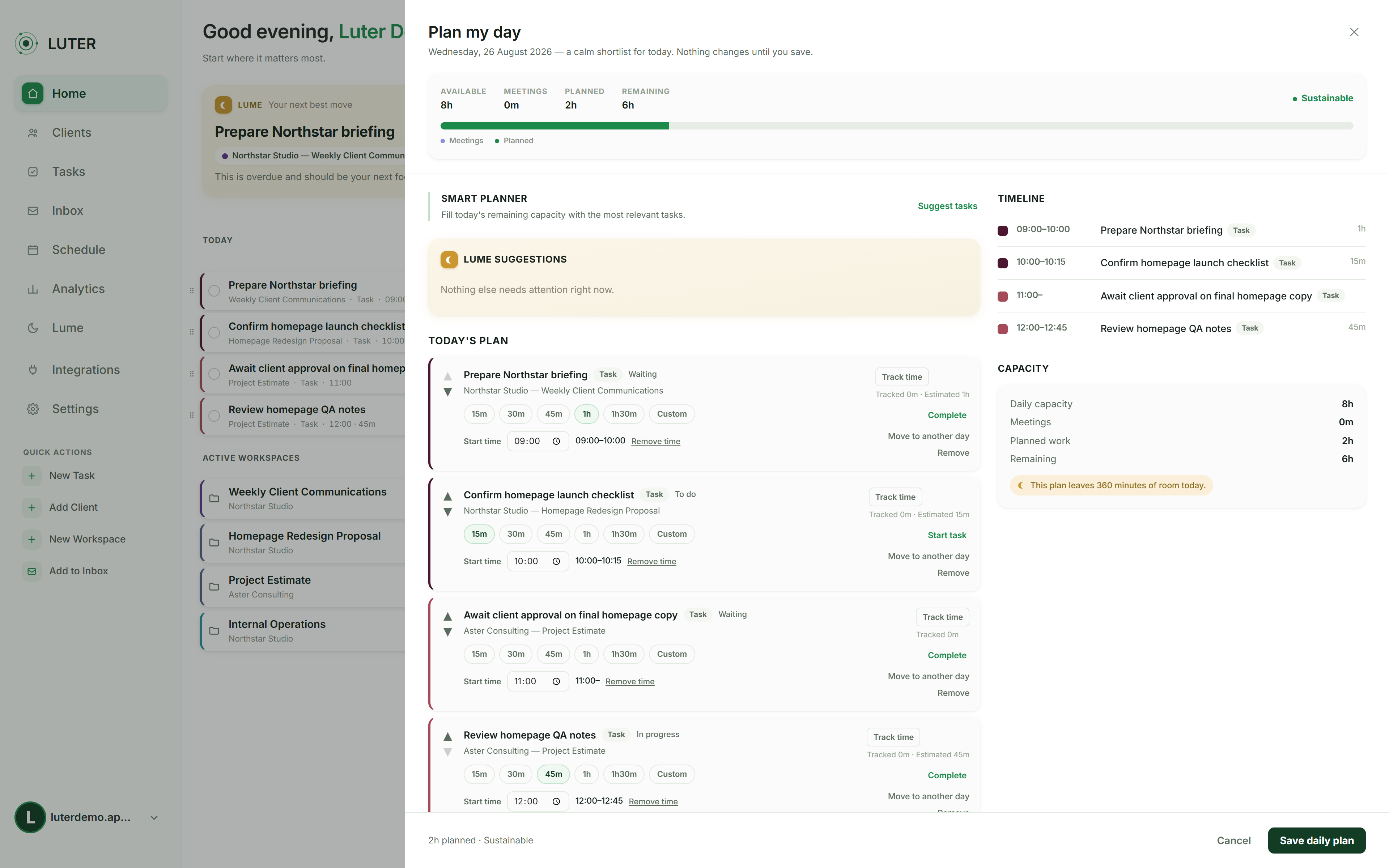
See where attention is needed
Analytics, Weekly Review, and Lume help surface overdue work, upcoming commitments, workload signals, and items that may need attention.
The goal is not more dashboards — it is better visibility into what could otherwise be missed.
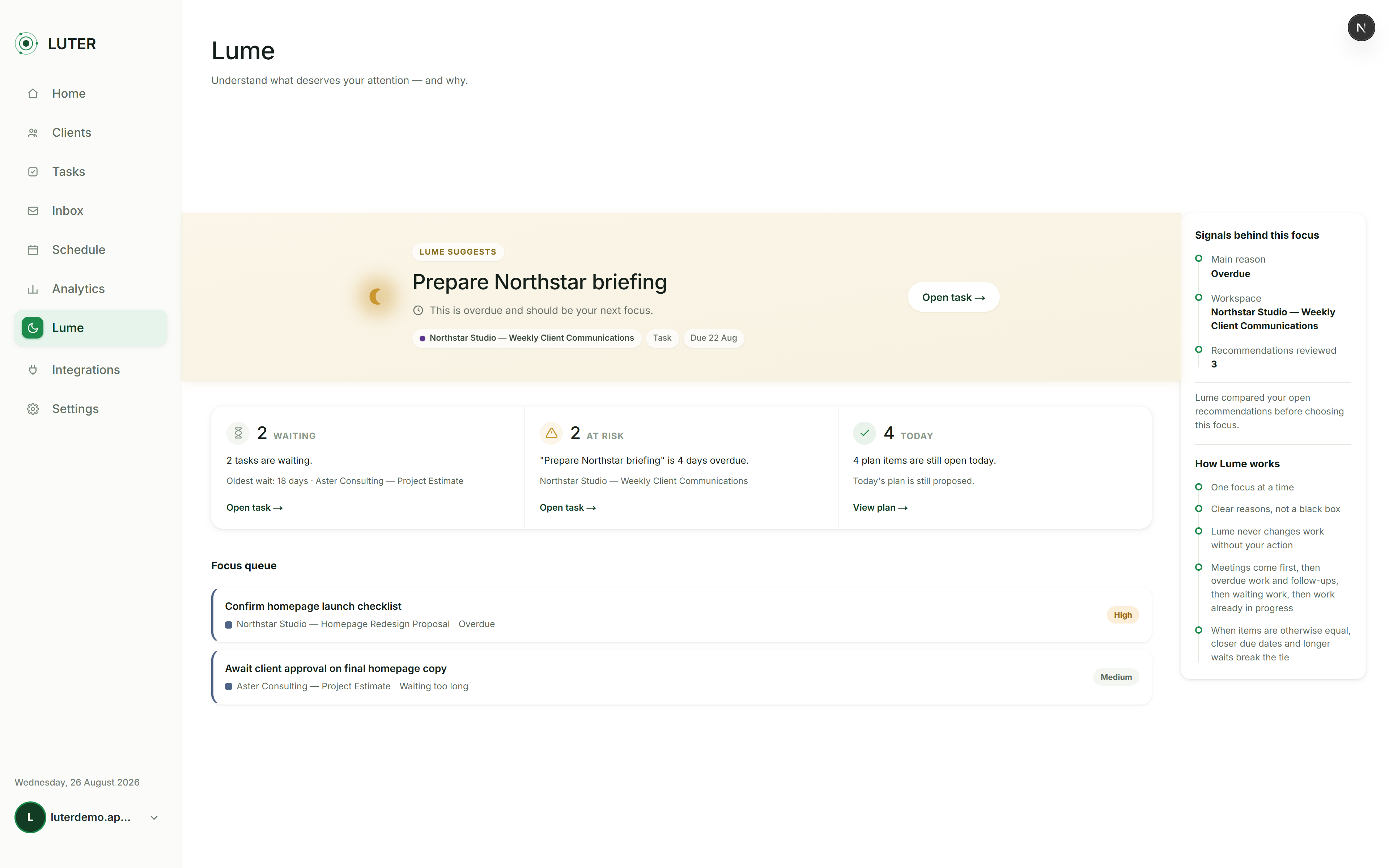
Keep projects and relationships connected
Clients, projects, tasks, emails, follow-ups, and calendar activity can stay linked instead of living across disconnected tools.
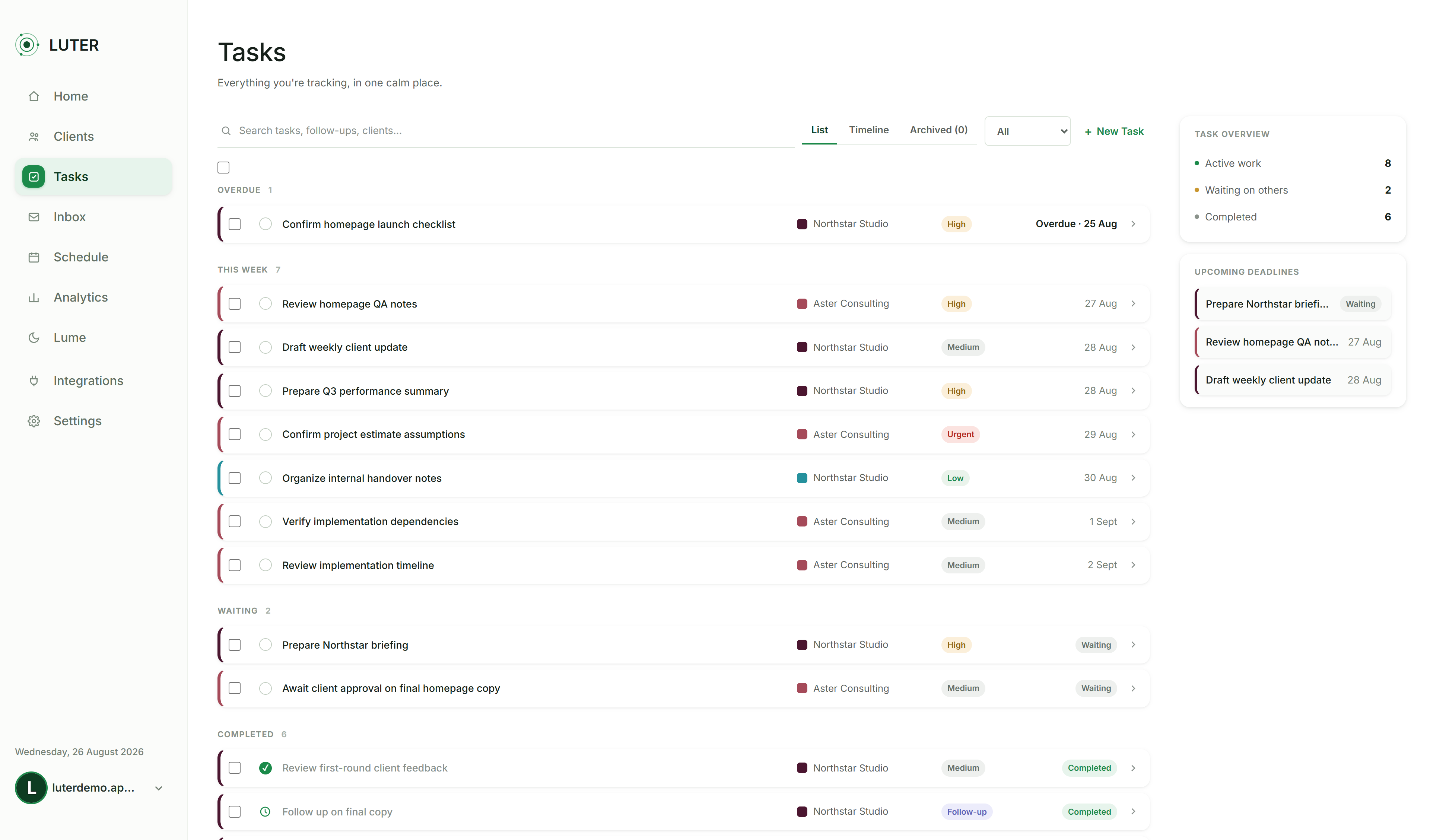
More visibility
Review the week. Understand the patterns.
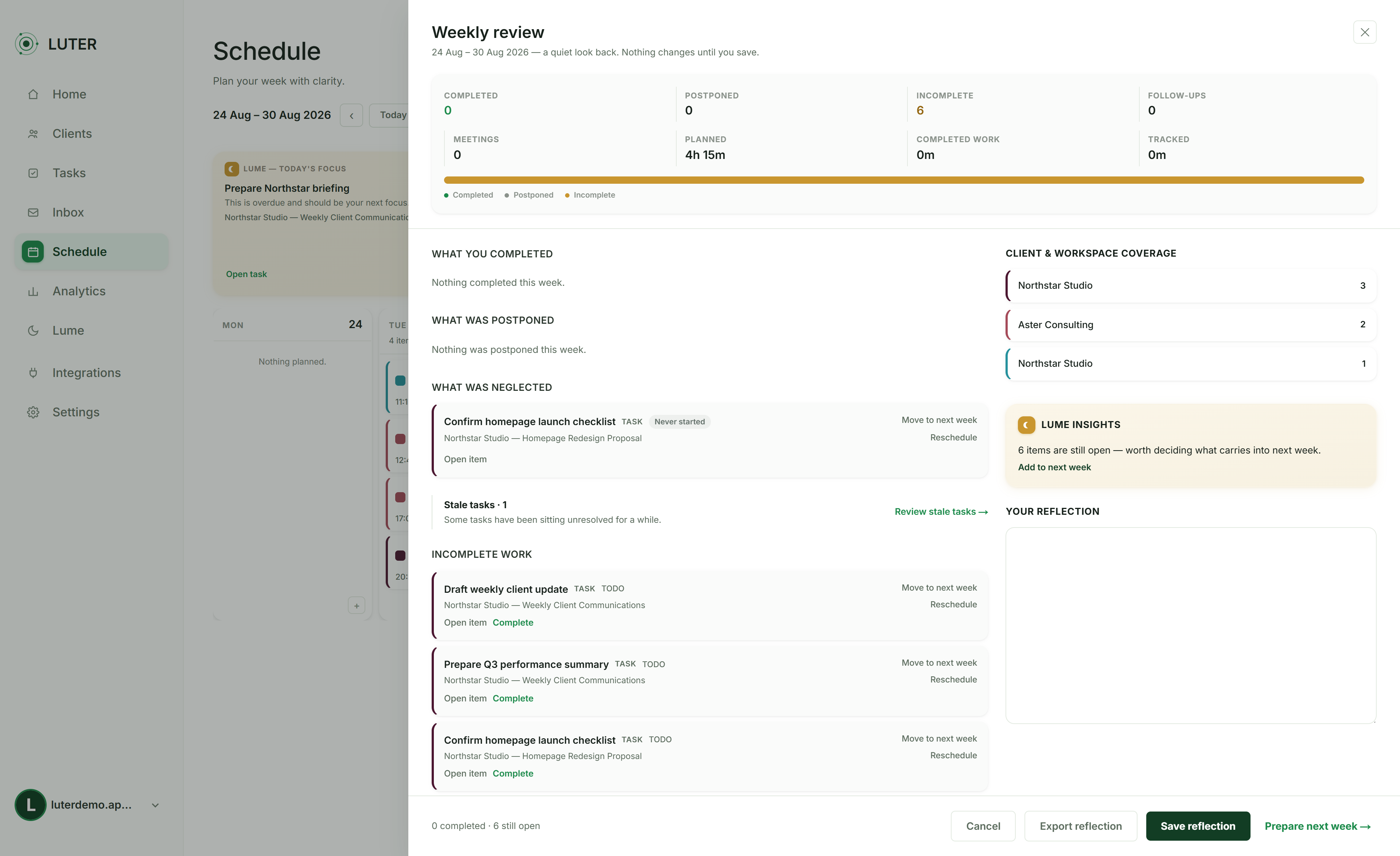
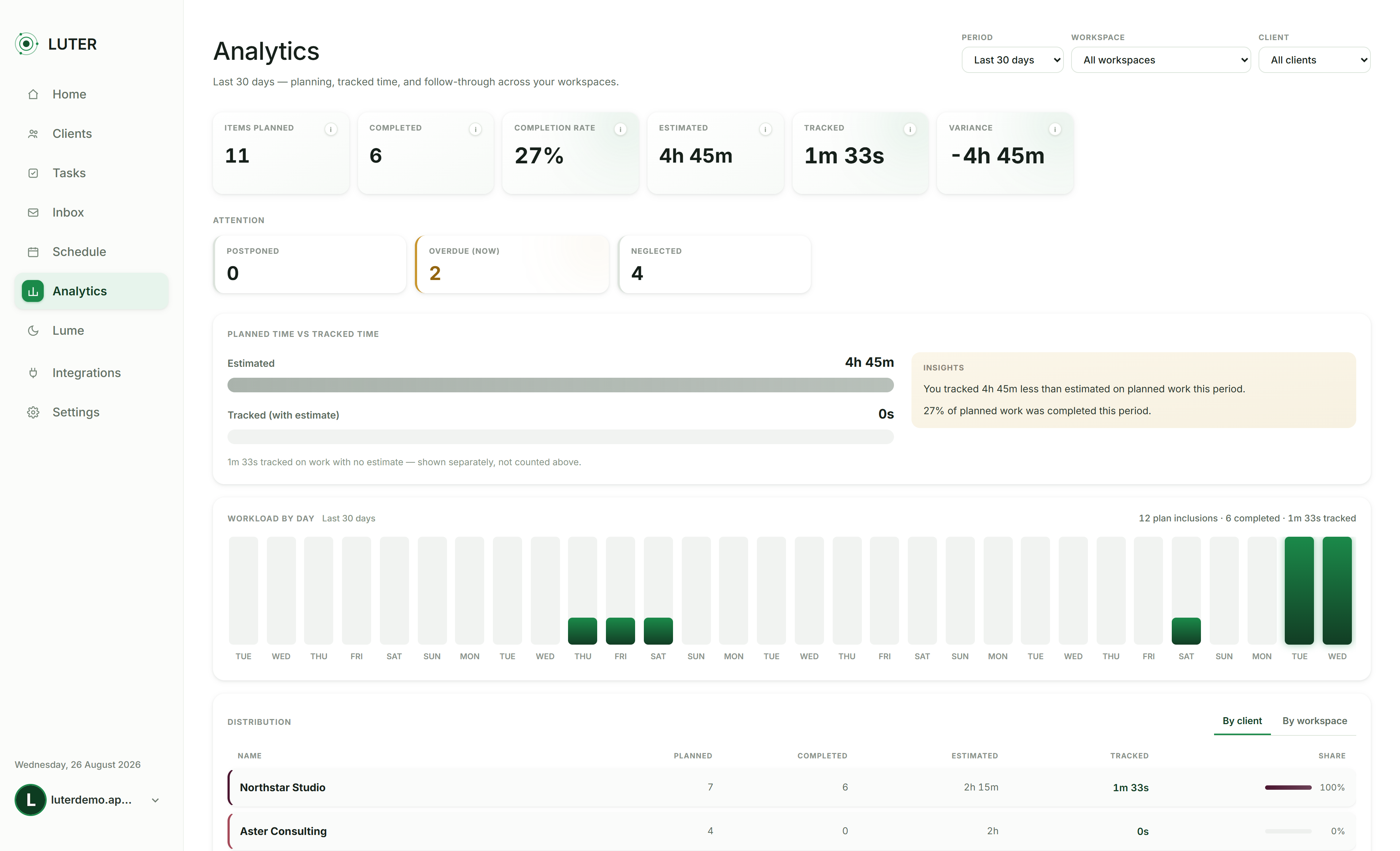
Luter also helps you step back from day-to-day execution. Weekly Review brings completed work, client coverage, follow-ups and open items into one place, while Analytics shows planning accuracy, completion, tracked time and workload trends.
What you can explore in Luter
Tasks · Inbox · Daily Planning · Schedule · Calendar · Follow-ups · Analytics · Weekly Review · Project Control Center · Lume · Google and Microsoft integrations
Want to explore the live product?
Live access to the demo environment is available to prospective buyers on request. This keeps the demo environment controlled while allowing interested buyers to evaluate the actual product.
Access live demo